Mac cleaner comparison: Purgy and the alternatives.
Pick the right tool for your Mac, even when it is not ours. Each page covers what the app does, what it costs, where it is better than Purgy, and where it is not.
On this page
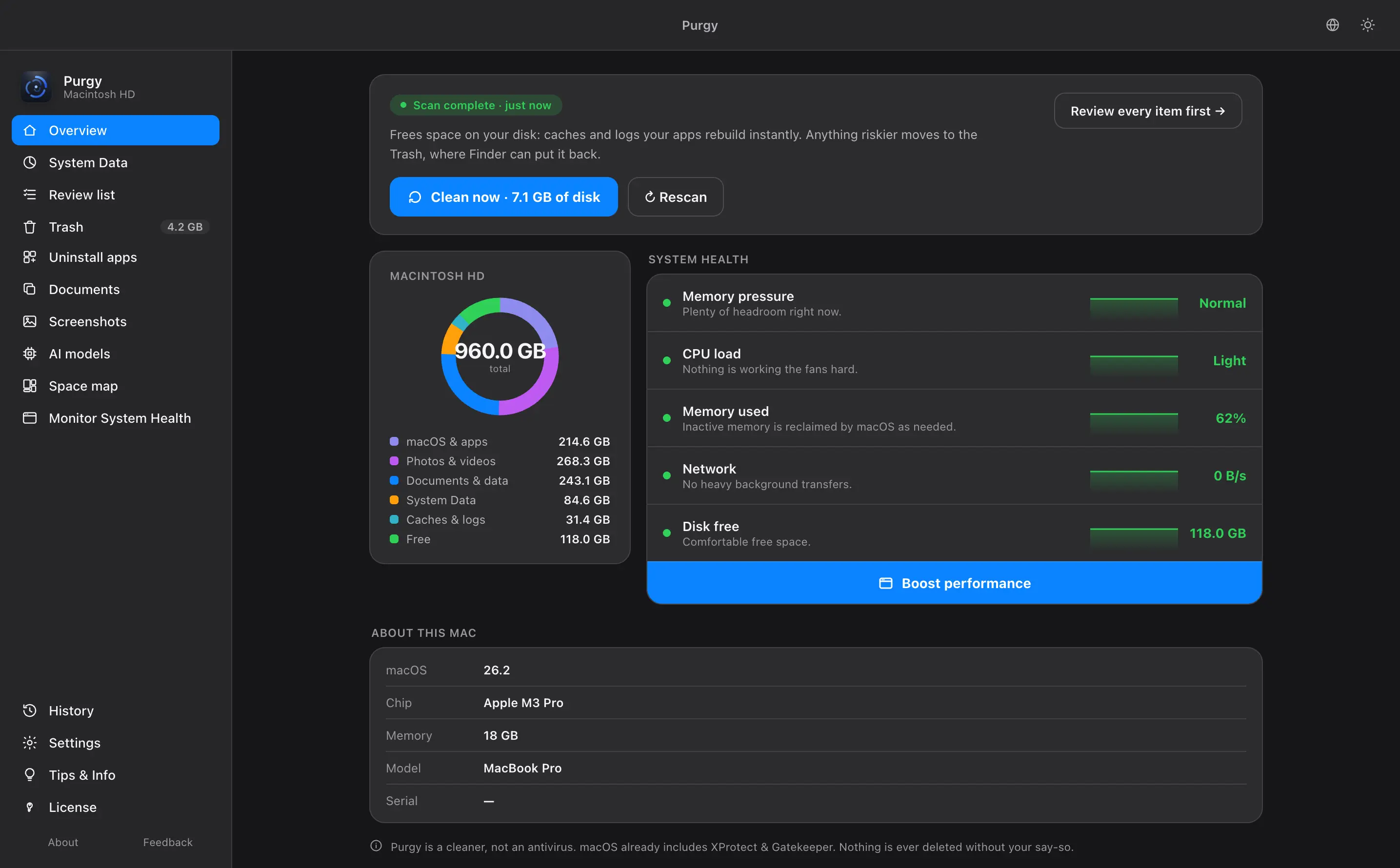
There are two kinds of Mac cleaner. One kind bundles many tools: cleaning, malware scanning, privacy and speed features. The other kind does one or two jobs and tells you what it found. Purgy is the second kind. It clears caches, app leftovers and System Data, and it shows you what each item is and why.
Which one should you pick?
AppCleaner is free and does that one job. You may not need anything else.
DaisyDisk draws a clear map of your disk. You do the deleting yourself.
CleanMyMac and MacKeeper bundle it. Purgy does not.
That is what Purgy is built for. See the pricing page for details.
How we wrote these pages
Purgy makes one of the apps on this list, so we are not neutral. We tried to make up for that. Every page says where the other app is the better choice, and every fact about another app comes from its own public pages or from published reviews, linked at the bottom of each page.
We have not tested the other apps ourselves for these pages, so we describe what they say they do and what reviewers report. Prices and plans change. Check the vendor's own site before you buy anything, including ours.
At a glance
| What you get | Purgy | CleanMyMac | MacKeeper | DaisyDisk | AppCleaner | macOS Storage |
|---|---|---|---|---|---|---|
| How you pay | $20 once, 3 Macs | Subscription or one-time license | Subscription | One-time | Free | Free, built in |
| Clears caches and leftovers | Yes | Yes | Yes | Manual: you pick what to delete | App leftovers only | Limited |
| Explains System Data | Yes | Not confirmed | Not confirmed | Shows sizes only | No | Shows a total only |
| Uninstalls apps with leftovers | Yes | Yes | Not confirmed | No | Yes | No |
| Disk map | Yes | Yes | Not confirmed | Yes, its main feature | No | Bar chart only |
| Malware scanning | No | Yes | Yes | No | No | Built-in protection runs on its own |
Checked October 2026. Entries for other apps are based on public information. "Not confirmed" means we could not verify it from public sources, and entries may go out of date. Each comparison page links to its sources.
All comparisons
- CleanMyMac alternatives (Roundup). Six options compared, and how to switch.
- Purgy vs CleanMyMac (Most searched). A broad maintenance suite with a subscription, against a focused cleaner you pay for once.
- Purgy vs MacKeeper (Security and cleaning bundle). An all-in-one subscription with antivirus and extras, against a cleaner that does one job.
- Purgy vs DaisyDisk (Disk visualizer). A disk map that shows where space went, against a cleaner that also does the clearing.
- Purgy vs AppCleaner (Free option). A free uninstaller that does one thing well, and when that is all you need.
- Purgy vs macOS Storage settings (Already on your Mac). What Apple gives you for free, and what it leaves out.
What to look for in any Mac cleaner
These questions apply to every app here, including ours.
- Can you see each file before it goes? A total such as "12 GB found" tells you very little. A list tells you what you are agreeing to.
- Where do deleted files go? The Trash lets you undo a mistake. Permanent deletion should be a separate choice you make yourself.
- Does it protect your own files? Documents, photos and projects should never be selected for you.
- Does it promise speed? Clearing disk space does not make a Mac faster in any big way. Be careful with an app that says it does.
- What does it cost over time? Add up two or three years, not only the first one.
- Is it signed and notarized by Apple? That means macOS has checked it before it opens.
If you are not sure your Mac needs cleaning, our guide to clearing System Data on a Mac shows how to check by hand first. Apple's own page on optimizing storage space on your Mac covers the built-in tools.
Common questions
What is the best CleanMyMac alternative?
It depends on what you want. To stop paying a subscription and keep a full cleaner, Purgy is $20 once for 3 Macs. To only remove apps, AppCleaner is free. To see where space went and delete things yourself, DaisyDisk is about $10 once. Our CleanMyMac alternatives page compares six options.
Is there a free Mac cleaner?
Yes, several. AppCleaner removes apps for free, OnyX clears caches and runs maintenance for free, and the Storage section of System Settings is built into macOS. They do less than a full cleaner: none of them explains System Data or sorts what it finds into safe and risky.
Is Purgy an alternative to CleanMyMac?
For clearing storage, decoding System Data and removing apps, yes. Purgy does not scan for malware or run maintenance tasks. It also does not claim to speed up your Mac.
Is a one-time license better than a subscription?
It depends on how long you keep the app. A one-time price costs the same in year one and year five. A subscription costs less up front and more over time. Purgy is $20 once for 3 Macs.
Can I use two of these apps together?
Yes. A disk visualizer such as DaisyDisk and a cleaner such as Purgy do different jobs, and many people keep both. Just avoid running two cleaners at the same time.